help.school.kiwi - Guides for Students & Caregivers
Add some support to your Web Portal - for free!
Posted on Tuesday 21 July, 2026
The school.kiwi Web Portal is a great tool for students and caregivers, with a handy suite of tools.
We have a free resource available to help students and caregivers using the Web Portal to succeed - some simple "how-to" guides.
- These guides are aimed at students and caregivers using the school.kiwi Web Portal.
- Publicly accessible and available for you, your learners and their whānau.
- Maintained by us.
- Topics covered:
- Logging in
- Changing password
- 'Saving' the site for use on a mobile device
- Updating details
- Reporting an absence
- Course Selection
- Enrolments
- Frequently Asked Questions
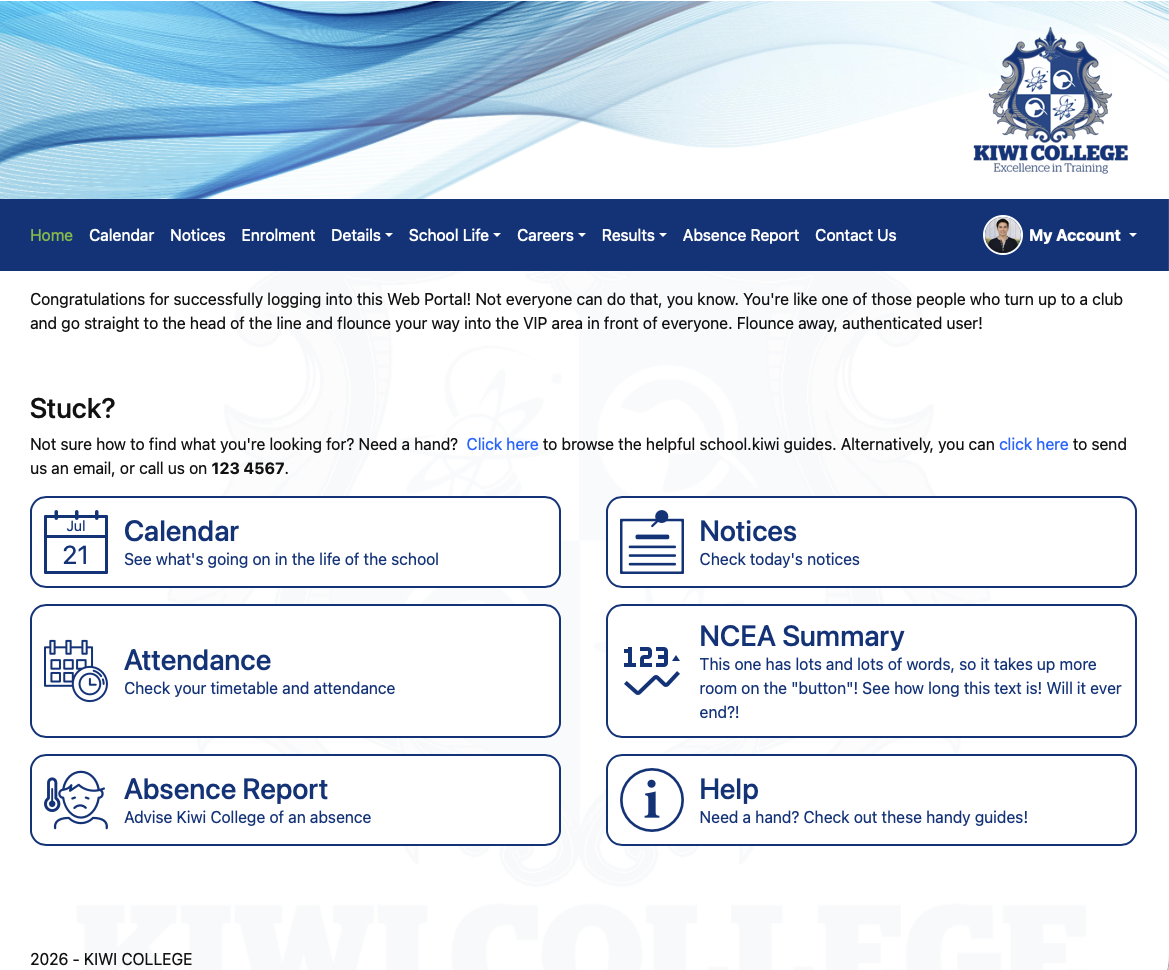
We recommend that you add a custom tile to your Web Portal! Here's how.
Adding A Custom Tile
In your Web Portal configuration, go to the "Navigation and Content" page and scroll to the very bottom of the page. You'll find this panel.

Click the "Add Custom Tile" button. In the box that opens, specify a title and description for the button. In the URL field, enter https://help.school.kiwi, then select an icon.
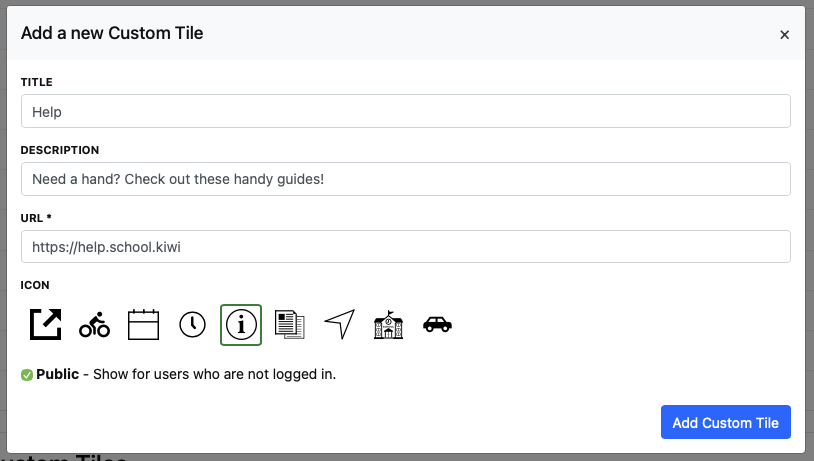
I've also ticked the "Public" box so it shows on the home screen (as in, before they have logged in) for students and caregivers.
Click the "Add Custom Tile" button to complete the process!